
How to whitelist email
How to whitelist email
To whitelist a sender or domain in Hotmail, follow these steps:
Log in to your Hotmail account and click on the “Settings” icon (gear icon) on the top right-hand corner of the screen.

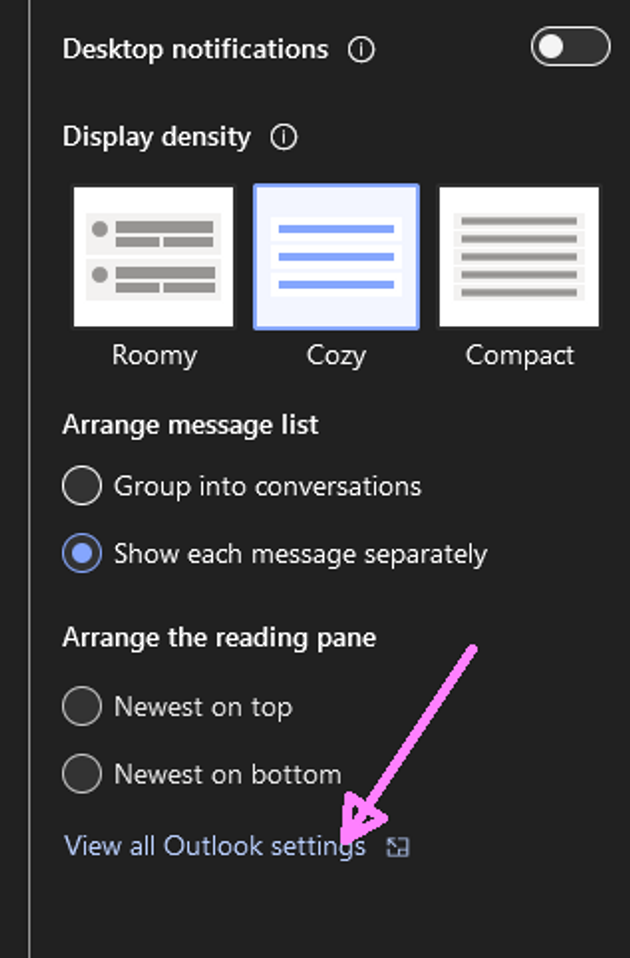
Click on “View all Outlook settings” at the bottom of the drop-down menu.
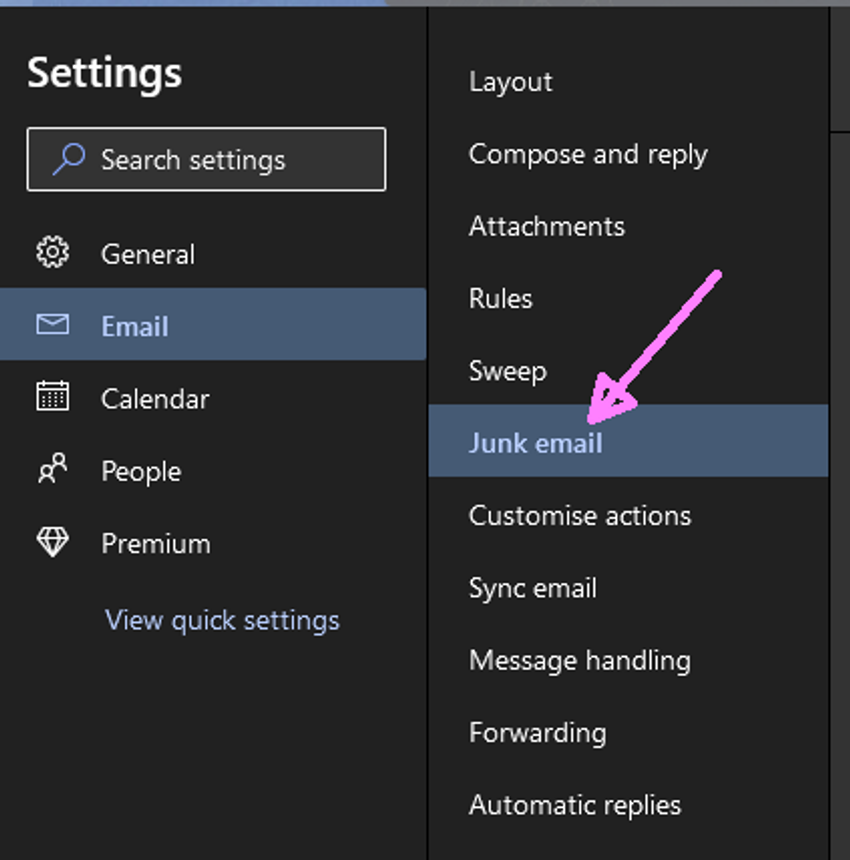
Select “Junk email” from the left-hand menu.
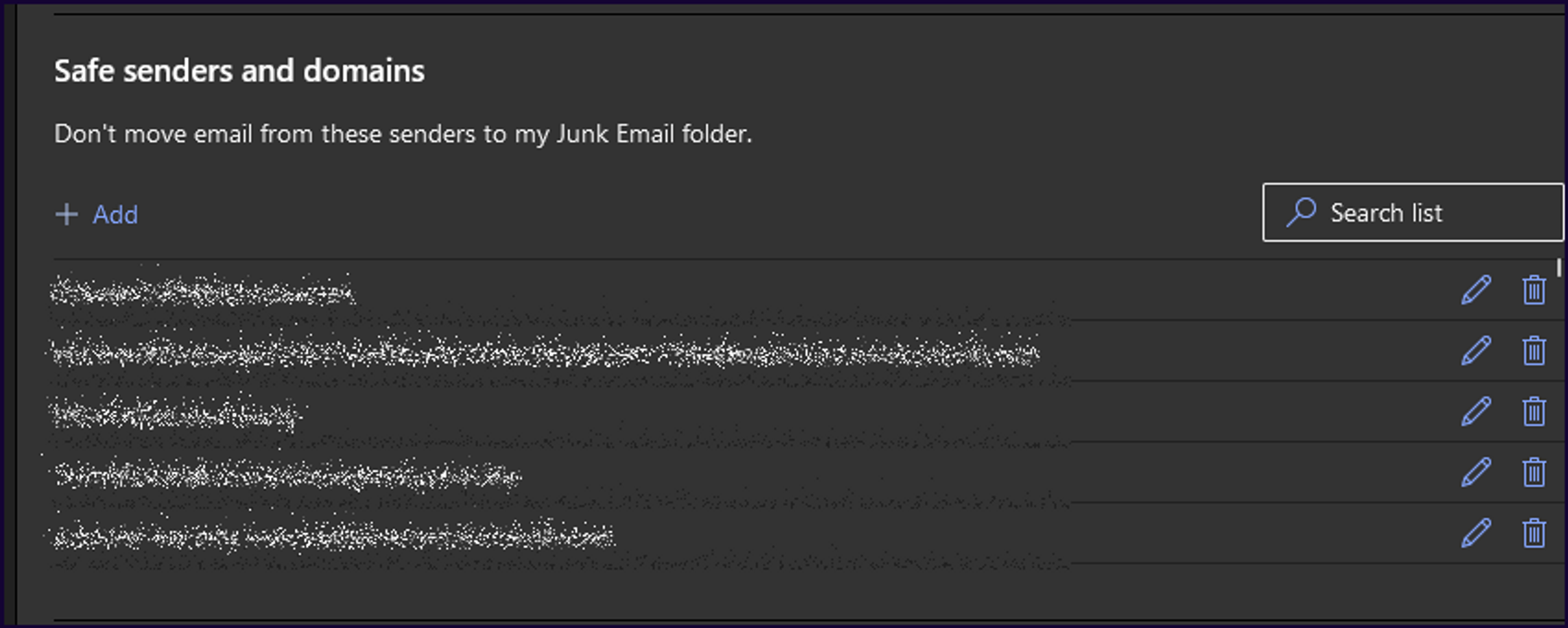
Click on “Safe senders and domains” under the “Safe senders” section.
Enter the email address or domain that you want to whitelist in the box under “Safe senders and domains” under the “Safe senders”.
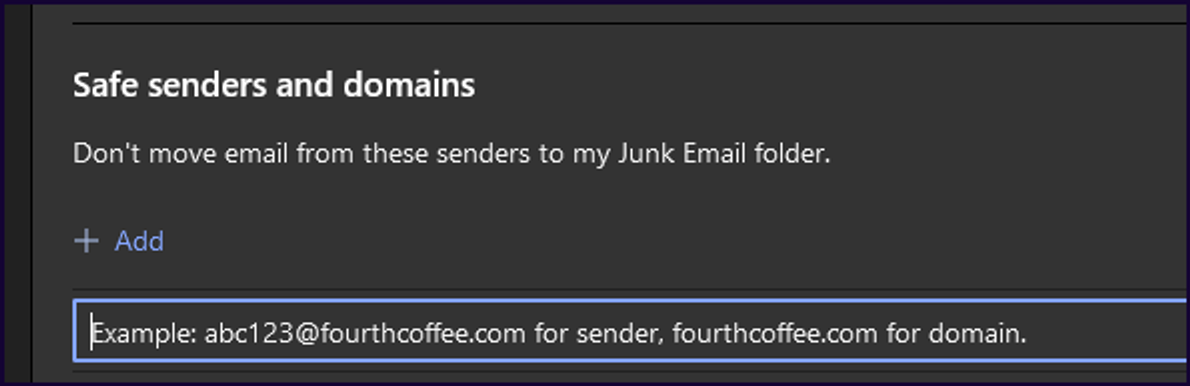
- Click on the “+” icon to add the email address or domain to your safe senders list.
- Click “Save” to apply the changes.
After you have added the email address or domain to your safe senders list, emails from that sender or domain should no longer be sent to your Junk email folder.